
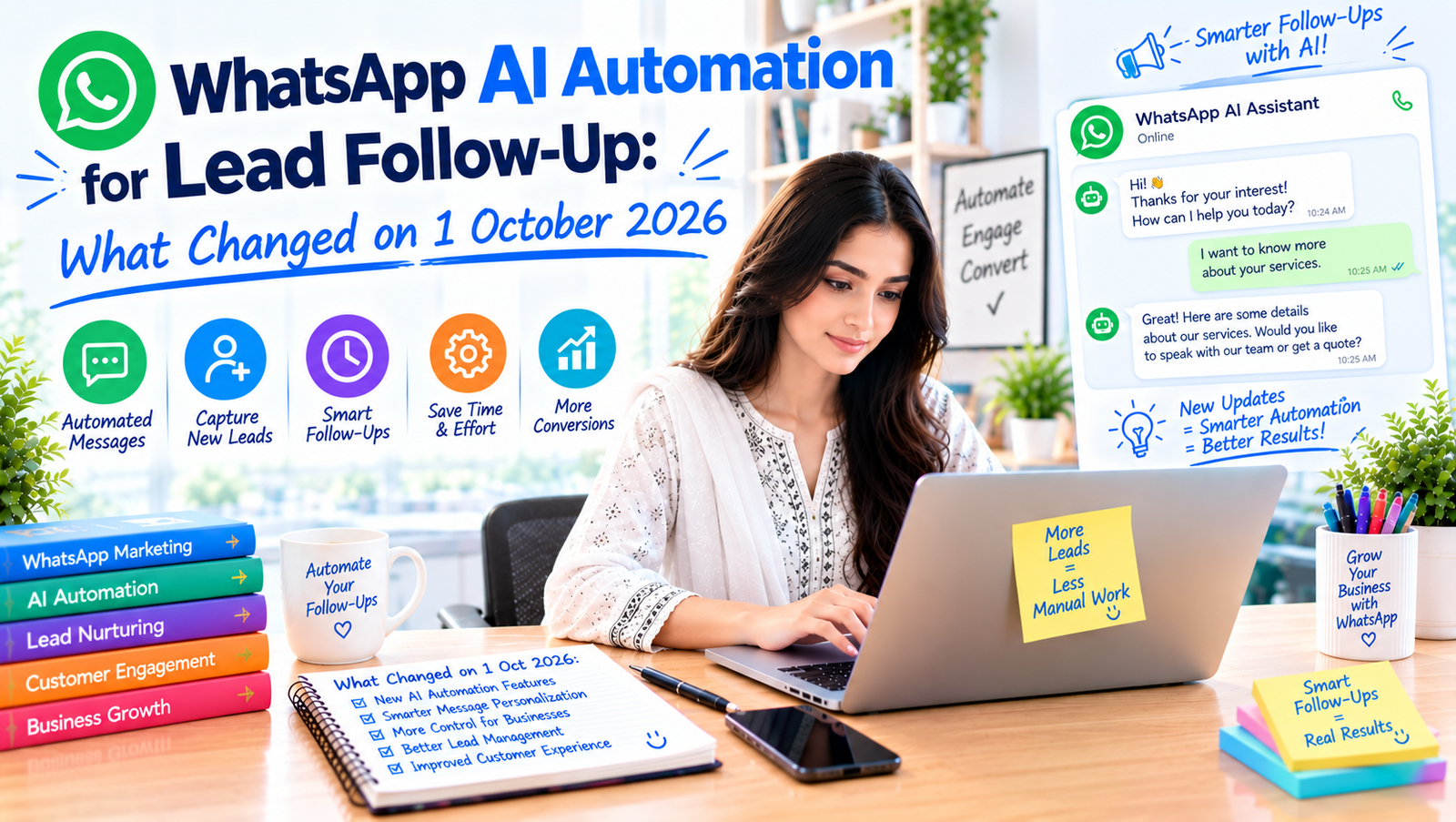
WhatsApp automation connects the WhatsApp Business Platform to software that replies to new enquiries, asks qualifying questions, books appointments and follows up when a lead goes quiet, passing the conversation to a person when it matters. For businesses where most sales conversations already happen on WhatsApp, it is one of the most practical uses of AI automation. Two rule changes make it worth reviewing now: WhatsApp restricts general-purpose AI chatbots, and from 1 October 2026 Meta changed how replies inside the 24-hour window are billed.
What changed
General-purpose AI chatbots are not allowed
Since 15 January 2026, WhatsApp’s business terms no longer allow general-purpose AI chatbots on the platform. Automation has to be built for a defined business task, such as answering order questions, qualifying a lead or booking a visit. A bot that simply chats about anything is the wrong design, and a task-focused assistant is both compliant and more useful.
Service replies are now billed from 1 October 2026
Reports from automation platforms say that from 1 October 2026 Meta started billing for service messages, meaning free-form replies sent within the 24-hour customer-service window, whether by a person or by an AI tool. One industry tracker says a monthly free allowance applies per number, reported as 1,000 conversations. Rates differ by country and change, so check Meta’s current rate card for Pakistan rather than relying on a blog post, including this one.
What this means in practice: the cost of a conversation is no longer only your software subscription. When you compare tools, ask what they charge on top of Meta’s fees for AI replies, because some charge extra per AI message.
The free WhatsApp Business app is still a baseline
The free WhatsApp Business app’s greeting message, away message and quick replies are not AI, but they cost nothing and are enough to start with. Many small shops do not need the paid platform yet.
Which workflows are worth automating first
- Instant first reply. Acknowledge every new enquiry within seconds, with a clear next step. Speed is the biggest advantage automation gives you, and leads who wait hours often move on.
- Qualification questions. Ask three or four things that sort the serious from the casual: what they need, budget range, timeline, city.
- Routing. Send hot leads to a person immediately and put the rest into a nurturing sequence.
- Appointment or call booking. Offer slots and confirm them, with a reminder the day before.
- Follow-up after silence. If a lead goes quiet after a quote, send one polite nudge a day later and another after a few days. Stop after that.
- Order updates and common questions. Delivery status, return rules and opening hours are repetitive and perfect for automation.
- Handover to a human. Whenever the customer is upset, confused or ready to buy, a person should step in with the full conversation in front of them.
What to avoid
- Pretending to be human. Say it is an automated assistant. People forgive a bot; they do not forgive being tricked.
- No way out. Always offer “talk to a person”.
- Messaging people who did not agree to hear from you. Get opt-in, and use approved message templates for anything outside the 24-hour window.
- Automating a broken process. If nobody follows up on warm leads today, a bot will not fix that on its own. Decide who owns each stage first.
- Over-long flows. A conversation that feels like a form being filled in drives people away. Keep each step short.
- Ignoring your CRM. Record every conversation and outcome so you can see which leads become customers.
A simple build for a small business
- Choose one workflow, the instant first reply plus qualification.
- Connect your WhatsApp Business number to a platform that supports the official API.
- Write the flow on paper first: greeting, questions, branches, when it hands over.
- Connect it to a spreadsheet or CRM and a notification to your phone for hot leads.
- Test it yourself with ten fake enquiries, then run it for two weeks and read the real conversations.
- Improve it, then add the next workflow.
Frequently asked questions
Can I use an AI chatbot on WhatsApp in 2026?
Yes, if it is built for a specific business task. General-purpose chatbots are not permitted on the platform.
Do I need the WhatsApp Business API?
For AI automation and CRM connections, yes. For basic greetings and quick replies, the free Business app is enough.
Will automation replace my sales team?
No. It handles speed and repetition so that people can spend their time on conversations that need judgement.
The short version
Automate the first minutes of every conversation and the follow-ups people forget, keep a human ready for anything important, check Meta’s current pricing before you build, and measure leads and sales rather than messages sent.
For a step-by-step view that includes your website forms and CRM, read how to turn website visitors into leads with AI automation. If you want it built for you, see our AI automation service or get in touch.
This article reflects what was publicly reported up to 28 October 2026. Platforms change quickly, so check the official source before you act.