
Search engine optimisation helps search engines discover, understand, and present useful pages to people looking for relevant information, products, or services. For a small business, SEO is not only about adding keywords to blog posts. It also includes technical accessibility, clear service pages, useful content, internal links, local information, and measurement.
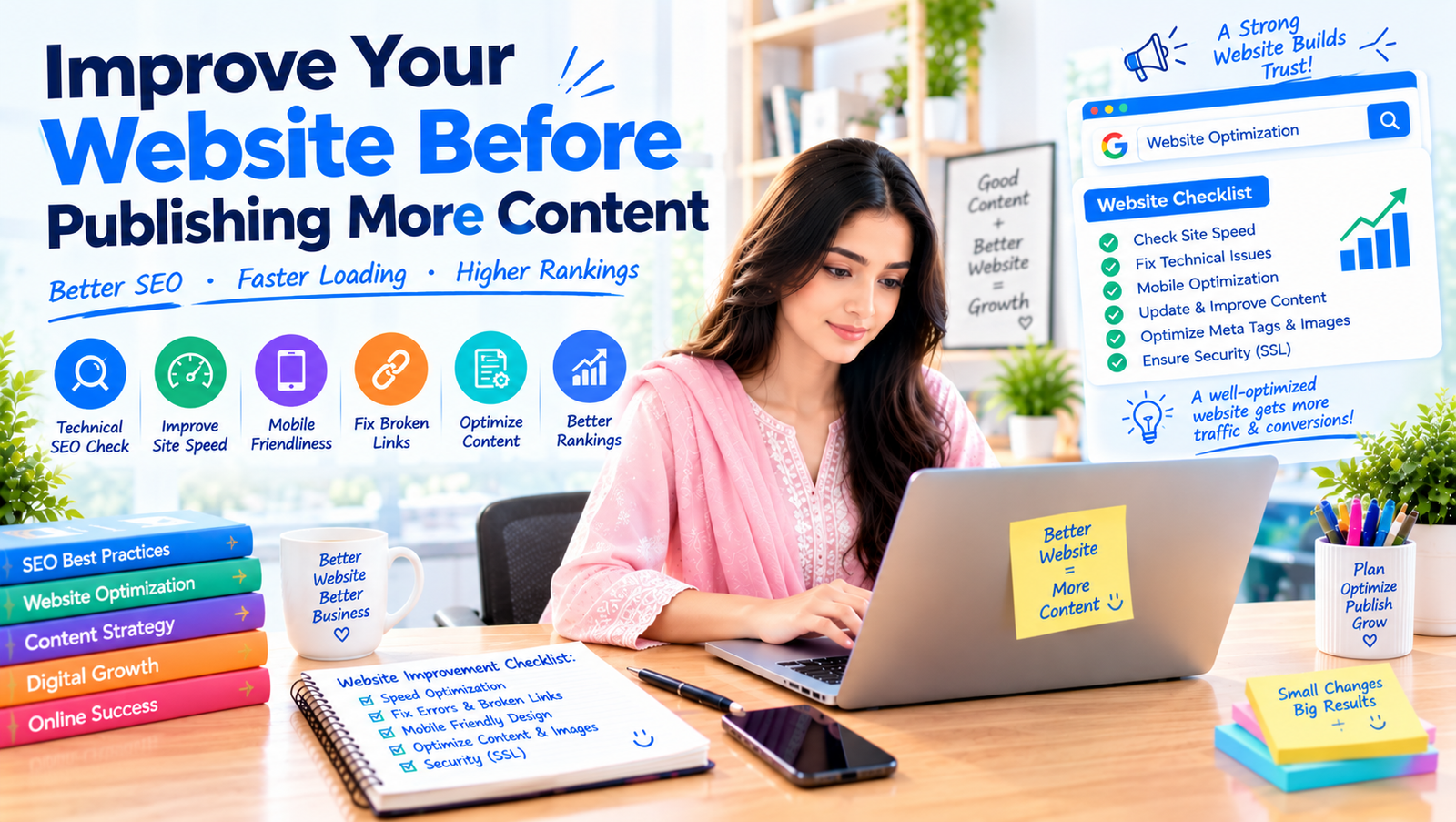
Publishing more content can help when it answers real questions and supports your services. But if important pages are difficult to crawl, slow on mobile, confusing, or missing basic information, adding more posts may not solve the main problem. Use this checklist to review the foundations first.
1. Check that important pages can be indexed
Start with the pages that matter to your business: homepage, service pages, product pages, contact page, and the strongest articles. Confirm that they load correctly and are not unintentionally blocked from search engines.
Use Google Search Console to review indexing reports and inspect important URLs. A page can exist on your website without being indexed. Investigate accidental noindex settings, robots.txt restrictions, redirect loops, server errors, and duplicate URL versions. Do not remove technical settings unless you understand their purpose.
Create and submit an XML sitemap when appropriate, and keep it focused on canonical URLs you want search engines to discover. A sitemap helps discovery but does not guarantee indexing or rankings.
2. Make the site easy to use on mobile
Many customers discover small businesses on phones. Check whether text is readable, buttons are easy to tap, forms are manageable, and key information is visible without unnecessary zooming or horizontal scrolling.
Test important journeys, not just the homepage. Open a service page, follow the call to action, submit a form, and check the confirmation. Try this on a real phone as well as a desktop browser.
Remove avoidable friction. A mobile visitor should be able to understand what you offer, see why it may suit them, and contact you without hunting through menus.
3. Review speed and page experience
Slow pages can frustrate users and make important journeys harder. Use tools such as PageSpeed Insights and Search Console to identify possible performance issues, then prioritise changes that affect real users.
Common areas to investigate include oversized images, unnecessary scripts, heavy plugins, poor hosting response, render-blocking resources, and layout shifts. Compress and size images appropriately, remove unused features carefully, and test changes after implementation.
Do not treat a single performance score as the whole SEO strategy. Speed is one part of the experience; useful content, relevance, accessibility, and clear navigation also matter.
4. Write clear page titles and headings
Each important page should have a descriptive title that accurately explains its topic. Include the main phrase naturally when it fits, but do not repeat keywords mechanically. Search engines may display a different title in results, so clarity and accuracy matter more than trying to force a precise display.
Use headings to organise the page. A clear main heading tells visitors what the page covers; subheadings divide the topic into useful sections. Write headings for people who are scanning, not merely to insert more keyword variations.
Write a unique meta description that summarises the page and encourages the right visitor to click. A meta description is not a guaranteed ranking factor or guaranteed snippet, but it can help communicate relevance in search results.
5. Give every core service a dedicated page
If your business offers several services, avoid describing everything in one vague paragraph. Create a page for each major service that matters to your customers and revenue. Explain what the service includes, who it suits, what problem it addresses, how the process works, what information is needed, and how to enquire.
Use specific examples and genuine proof. If you have case studies or customer reviews you are allowed to share, present them accurately. If you do not have measured results, explain your process and deliverables rather than inventing outcomes.
Connect related pages with internal links. A blog post about improving paid campaigns can link to the paid advertising service page. A guide to website enquiries can link to web design or AI automation where relevant. Links should help the reader take a logical next step.
6. Research search intent and customer questions
Keyword research is useful when it reveals what people are trying to accomplish. A search such as “what is local SEO” signals learning; “local SEO services” may signal comparison; and “hire local SEO agency” can indicate readiness to contact a provider.
Use search queries, customer emails, direct messages, sales conversations, and competitor page structures to build a list of questions. Group them by topic and intent. Do not create a separate article for every minor wording variation if the questions deserve the same answer.
Answer the main question early, then add detail, examples, limitations, and next steps. The goal is to satisfy the reader’s need, not to reach an arbitrary word count.
7. Publish useful, original content
Useful content helps the reader make a decision, solve a problem, or understand a process. Add something specific: an original checklist, a comparison, a worked example, a clear explanation, or lessons from genuine experience. Generic articles that repeat common advice without adding value are easy for readers to ignore.
AI tools can help brainstorm, outline, and edit, but review every claim, example, and recommendation before publishing. Confirm facts, remove repetition, and add genuine business context. Do not invent customer stories, statistics, citations, credentials, or first-hand experience.
Keep content updated when the information changes or the page no longer meets the audience’s needs. Update meaningful sections rather than changing a date simply to make an old article look new.
8. Improve local SEO signals
If your business serves a defined area, keep your business name, address or service area, phone number, website, and categories consistent across relevant profiles. Complete your Google Business Profile where eligible, add accurate service information, and use genuine photos.
Ask satisfied customers for honest reviews without buying them or writing them on their behalf. Respond professionally to feedback and never publish private customer information. Review patterns in feedback can also reveal service improvements or questions to address on your site.
Create location pages only when they provide useful, specific information for people in those areas. Replacing a city name across dozens of otherwise identical pages is not a substitute for local relevance.
9. Add structured data accurately
Structured data helps describe page content in a format search engines can interpret. Depending on the page, relevant types may include Organization, LocalBusiness, Article, Product, BreadcrumbList, or Service-related markup supported by the applicable schema vocabulary and search engine guidelines.
Only mark up information that is genuinely present and accurate. Do not fabricate ratings, prices, availability, or reviews. Validate the implementation with appropriate testing tools and correct errors that affect eligibility or interpretation.
Structured data does not guarantee a rich result, a ranking improvement, or inclusion in an AI-generated answer. Treat it as clear description, not a shortcut.
10. Strengthen internal links and navigation
Visitors should be able to find key information without guessing. Use a simple navigation structure, clear labels, and logical page groupings. Make sure important services are reachable from the homepage and related content points to the right destination.
Use descriptive link text where it helps readers understand the destination. Avoid stuffing exact-match keywords into every link. Review orphan pages—pages that have no useful internal links pointing to them—and connect them where appropriate.
Internal links can help users discover related content and help search engines understand relationships between pages. They are most useful when the connection is natural and valuable.
11. Earn credibility beyond your website
Your own website explains what you claim; credible external references can provide additional context. Build relationships through relevant industry contributions, partnerships, local business communities, expert interviews, useful resources, and genuine customer work.
Avoid bulk link buying, irrelevant directory submissions, and schemes that promise a specific number of backlinks. A relevant mention from a trusted source is more valuable than a large collection of unrelated links.
Keep brand information consistent and make it easy for people to verify who you are, what you do, and how to contact you. An accurate About page, clear author information, and genuine examples support trust.
12. Measure progress with the right metrics
Set up Google Search Console and analytics tools that fit your needs and privacy obligations. Review impressions, clicks, queries, landing pages, engagement, and meaningful conversions. Look beyond the total traffic number to see which pages attract relevant visitors and generate enquiries.
Compare performance over sensible periods and account for seasonality, campaign changes, and tracking limitations. If a page receives impressions but few clicks, review the search intent match and how the result is presented. If it receives visits but no enquiries, inspect the offer, page clarity, trust signals, and contact process.
Record changes you make and when you make them. SEO results can take time, and a change log helps you understand what may have contributed to movement.
A practical 30-day SEO checklist
Week 1: review indexing, Search Console, sitemap, mobile usability, broken links, and the most important user journeys.
Week 2: improve homepage and core service pages, page titles, main headings, calls to action, and internal links.
Week 3: review local business information, customer questions, existing content quality, image sizes, and structured data where relevant.
Week 4: publish or improve one genuinely useful guide, measure baseline performance, document changes, and set priorities for the next month.
Frequently asked questions
How long does SEO take? There is no guaranteed timeline. Results depend on competition, site condition, content quality, authority, demand, and the changes made. Review progress over time rather than expecting immediate ranking changes.
Do I need a blog for SEO? A blog can help answer customer questions and support service pages, but it is not mandatory for every business. Core pages and a technically sound site come first.
Is keyword density important? There is no ideal keyword-density percentage to chase. Use the language naturally and cover the topic clearly without repetitive stuffing.
Can AI-written content rank? The key issue is whether content is helpful, original, accurate, and made for people rather than produced at scale to manipulate rankings. Human review and real expertise remain important.
Should I fix technical SEO or write more articles? Prioritise issues that prevent important pages from being accessed or understood. Once the foundation is sound, publish content that serves real customer needs.
Conclusion and next step
SEO improves when the website is clear, accessible, useful, and trustworthy. Start by checking indexing and mobile journeys, improving your core service pages, answering real customer questions, linking related content, and measuring meaningful outcomes. You do not need to fix everything in one day; work through the highest-impact issues first.
Gul Business Development offers SEO and content support for businesses that want a clearer, more measurable approach to online visibility. Contact the team through the website to discuss an SEO review and practical next steps.
Related reading: How to Get Your Business Recommended by ChatGPT, Gemini and Google AI · GEO vs SEO: How to Win AI Search Without Abandoning Google. Our service: SEO services.